
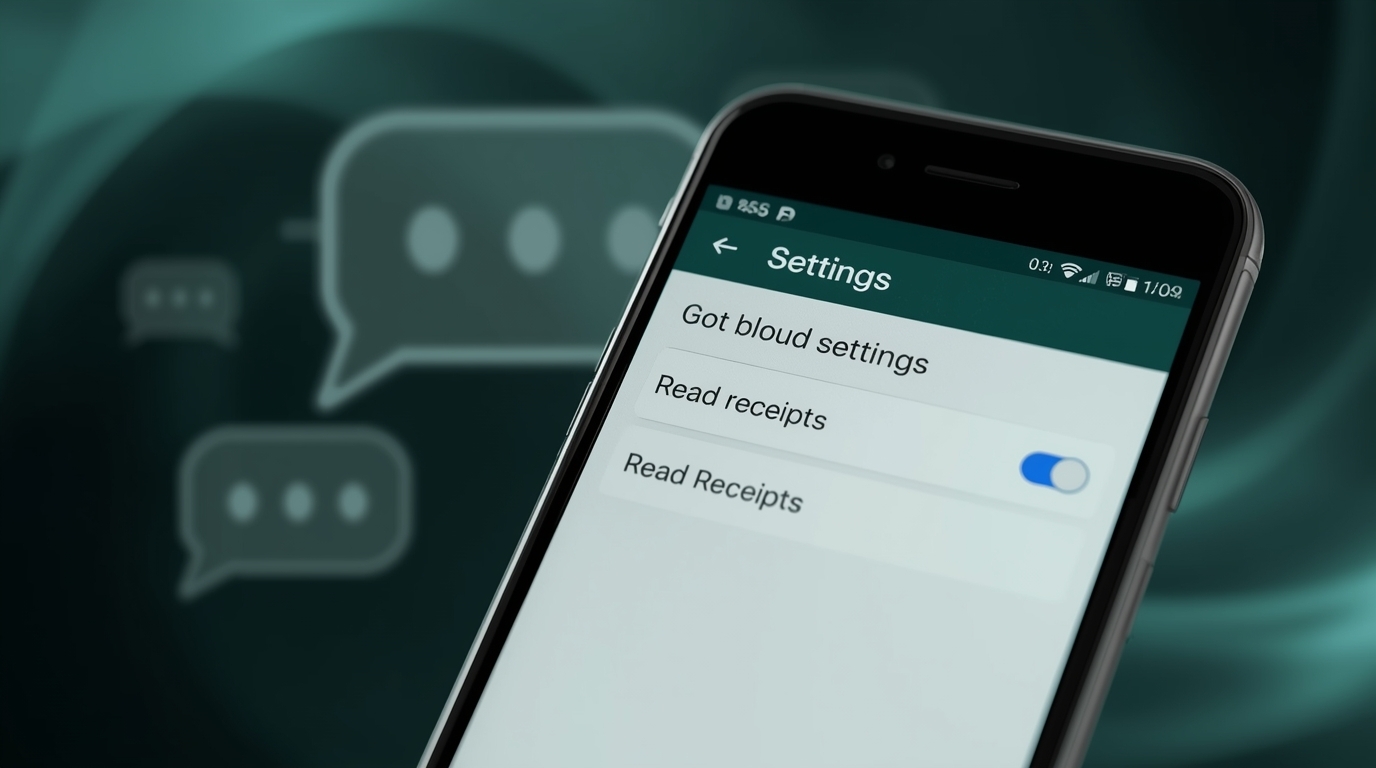
If you’ve ever wanted to read WhatsApp messages without letting the sender know, the “blue tick” feature might be your biggest hurdle. The good news? You can easily disable it and keep your reading habits private.
It is our opinion here at Whativa that you should use your privacy, and not the other way round. That’s why we have created this comprehensive and simple-to-follow tutorial on how to turn off the blue tick in WhatsApp, as well as some extra tips on how to read messages without anyone noticing.
1. What is the Blue Tick: What It Means in Real Life?
WhatsApp shows tick marks to show the status of what you have said:
One grey tick: Message sent
Two grey ticks: Message delivered
Two blue ticks: Message read
The blue tick is essentially a read receipt. It lets the sender know you’ve opened their message.
2. The reason why disabling the blue tick can be a game-changer.
Some users switch off the blue tick because:
- Privacy control: Read messages, and you are not bound to reply immediately.
- Work-life balance: Do not have to receive late-night work messages.
- Personal boundaries: Have conversations on your terms.
- Reduced misunderstandings: No longer will you have to hear, “Why did you not reply?”
3. How to hide Blue Tick in WhatsApp on Android: Step-by-Step Guide
Here’s how you do it:
1. Open WhatsApp
2. Click the three dots (menu) on the upper right side.
3. Select Settings
4. Go to Privacy
5. Scroll down to Read Receipts
6. Turn it off
Note from Whativa
Group chats and voice messages will continue to display blue ticks when viewed or played, even when the feature has been turned off.
4. How to disable the blue tick on iPhone (iOS)? Here is a step-by-step guide to do it.
1. Open WhatsApp
2. Tap in the lower, right-hand corner.
3. Select Privacy
4. Press Read Receipts and turn it off.
Whativa Tip:
The changes happen immediately although, similarly to Android, group chats and voice messages are not affected.
5. What you need to know before you turn it off.
- Mutual effect: You will also not see the read receipts of other people.
- Group chats: They should always have blue ticks when a message is read.
- Voice notes: There are blue ticks when sending.
- Business accounts: Blue ticks can act differently in automated chats.
6. Bonus: How to be able to read messages without the blue tick being on?
To receive read receipts yet keep it a secret, Whativa recommends:
Airplane Mode Method:
Switch to Airplane Mode on → open chat on WhatsApp → Read/close WhatsApp fully/switch off airplane mode.
Notification Panel Preview:
Read messages right off the notification bar of the phone.
WhatsApp Widgets (Android):
Install the WhatsApp button on the home screen to be able to read the messages without having to open the application.
Mark as Unread:
On iOS, when you swipe right on a chat, you have an option to mark that chat as unread (this is just to remind yourself and not to hide blue ticks).
7. Troubleshooting—When It Doesn’t Work as It Should
Problem: Blue ticks still appear.
Reason: You may be in a group chat or have listened to a voice note.
Problem: Setting not visible.
Reason: Make sure to update WhatsApp to its newest version or reinstall it from the official store.
Problem: Continues to send blue ticks in personal conversations.
Reason: Ensure that read receipts are turned off and saved.
8. The Privacy Advice that Whativa Gives to WhatsApp Users.
- Restrict settings of Last Seen to Nobody or My Contacts.
- Hide your online status when you do not want people to know you are online.
- Use Disappearing Messages to have more privacy in sensitive chats.
- Check blocked contacts on a regular basis to exclude undesired messages.
FAQs
Q1: Can I switch off blue ticks on behalf of only one person?
No, WhatsApp does not have control of per-contact read receipts.
Q2: Does this hide my Last Seen?
No, that is another scene in Privacy.
Q3: Does switching off blue ticks impact my WhatsApp calls?
No, calls aren’t affected.
Q4: Do voice notes have blue ticks?
Yes, even though you can switch off read receipts.
Conclusion
At Whativa, we know digital privacy matters. The blue tick allows you to control your conversation times and how you interact by turning off the tick in WhatsApp. Whether you’re avoiding unnecessary pressure or simply valuing your own time, the steps above help you stay connected on your terms.